

Guides & automation
File Browser
Browse files in your volumes
Use File Browser to upload and download files from a Sliplane volume.
Prerequisites
- A Sliplane account
- A service with an attached volume
Setup
- Create a service on the same server as the volume.
- Choose Registry and enter
docker.io/filebrowser/filebrowser:v2.32.0. - Attach the volume at
/srvand deploy.
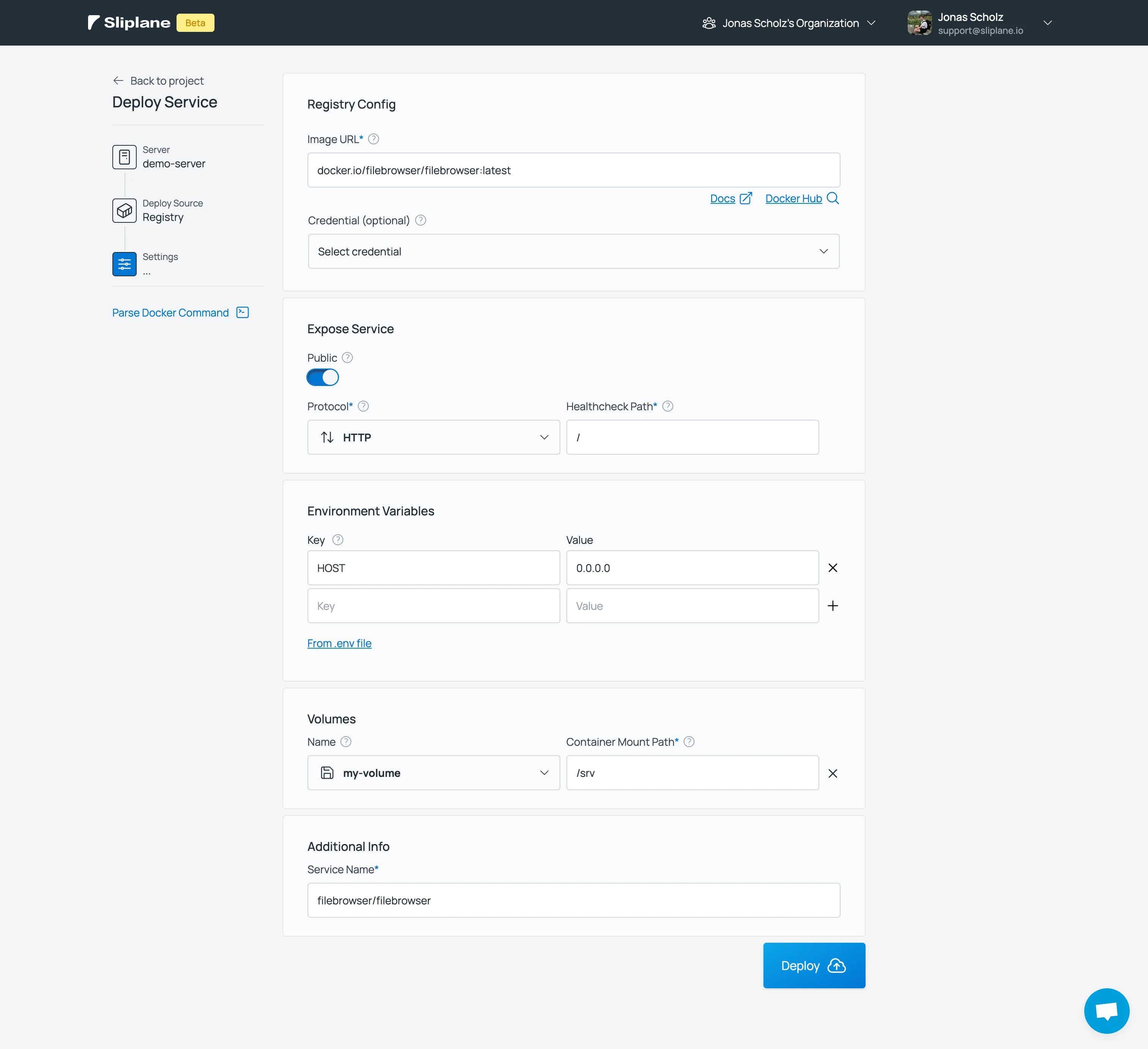
After the service is deployed you can access the file browser by visiting the URL of the service in the Sliplane dashboard.
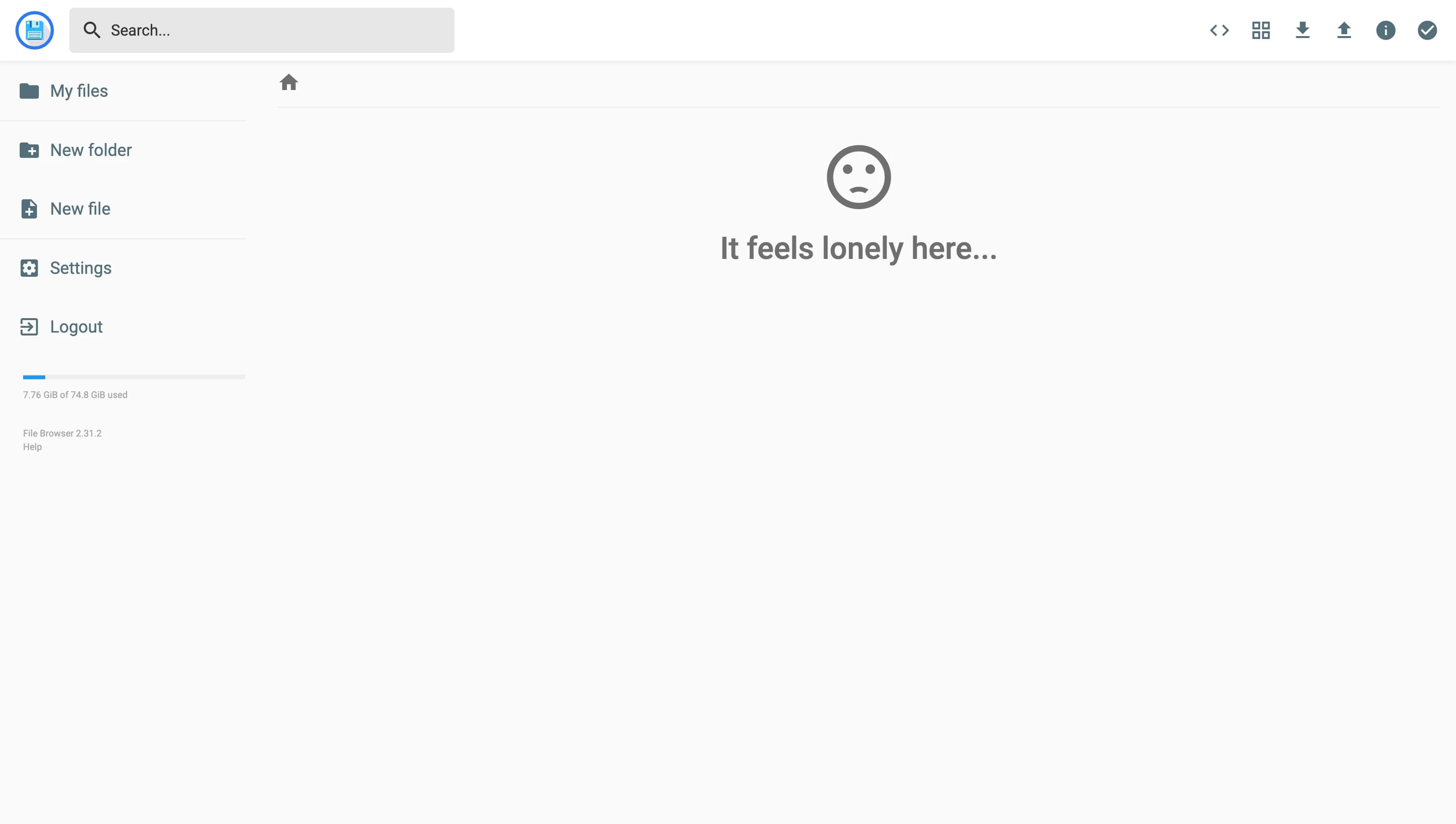
Sign in as admin using the password from the initial service logs. Change the credentials under Settings > User Management.
Delete the File Browser service when you no longer need it.
How is this guide?