Logging
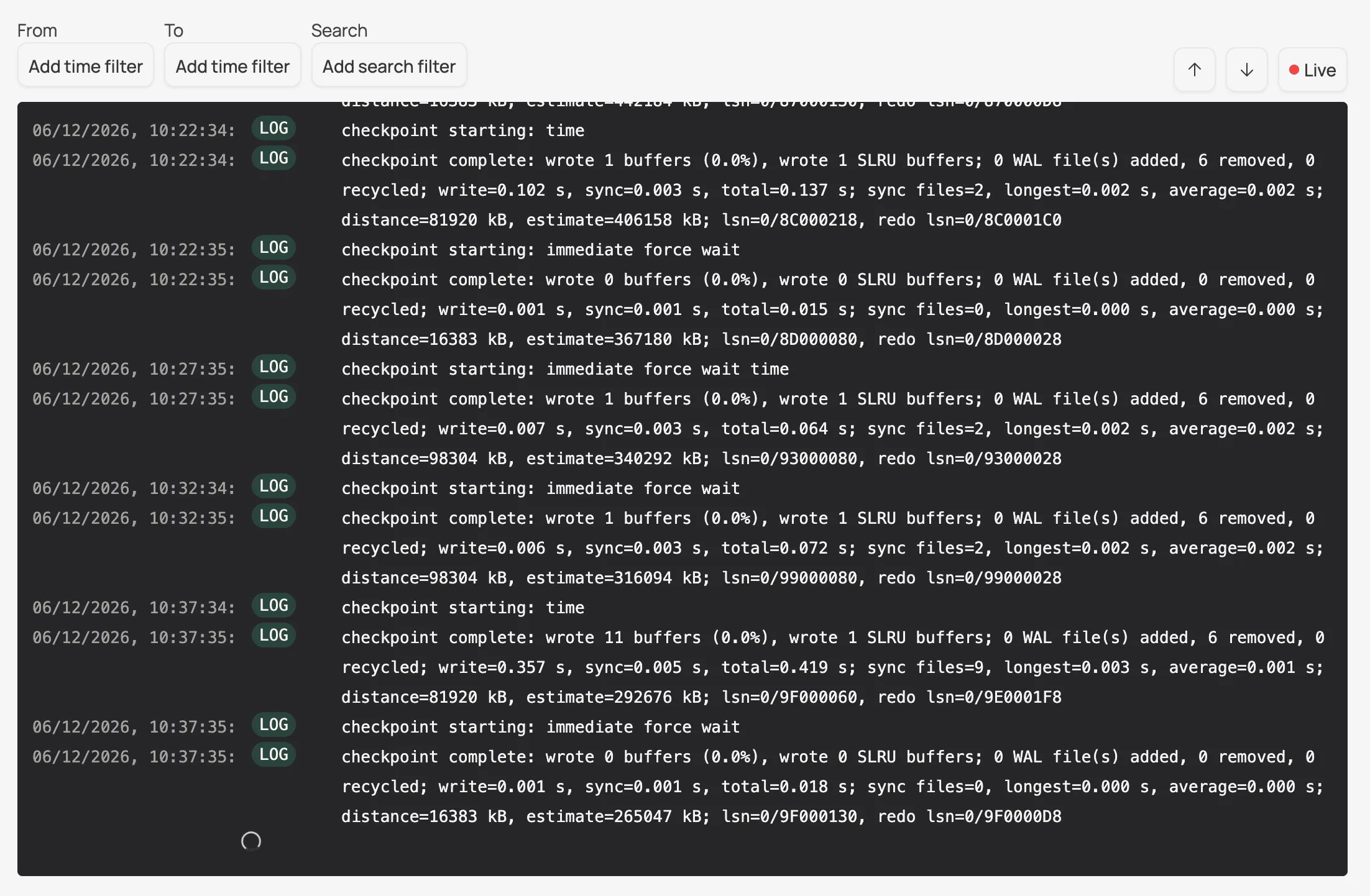
Sliplane captures logs from your PostgreSQL database. You can easily filter logs within a time range, or by keywords.
Open your database in the Sliplane dashboard and go to the Logs tab. Use the From and To time filters to narrow down to a time range, the Search filter to match keywords, and toggle Live to stream new logs as they arrive.